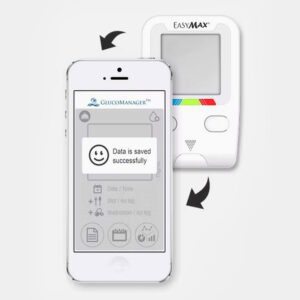
EASYMAX® Tag Glucometer: Smart testing, Easy management
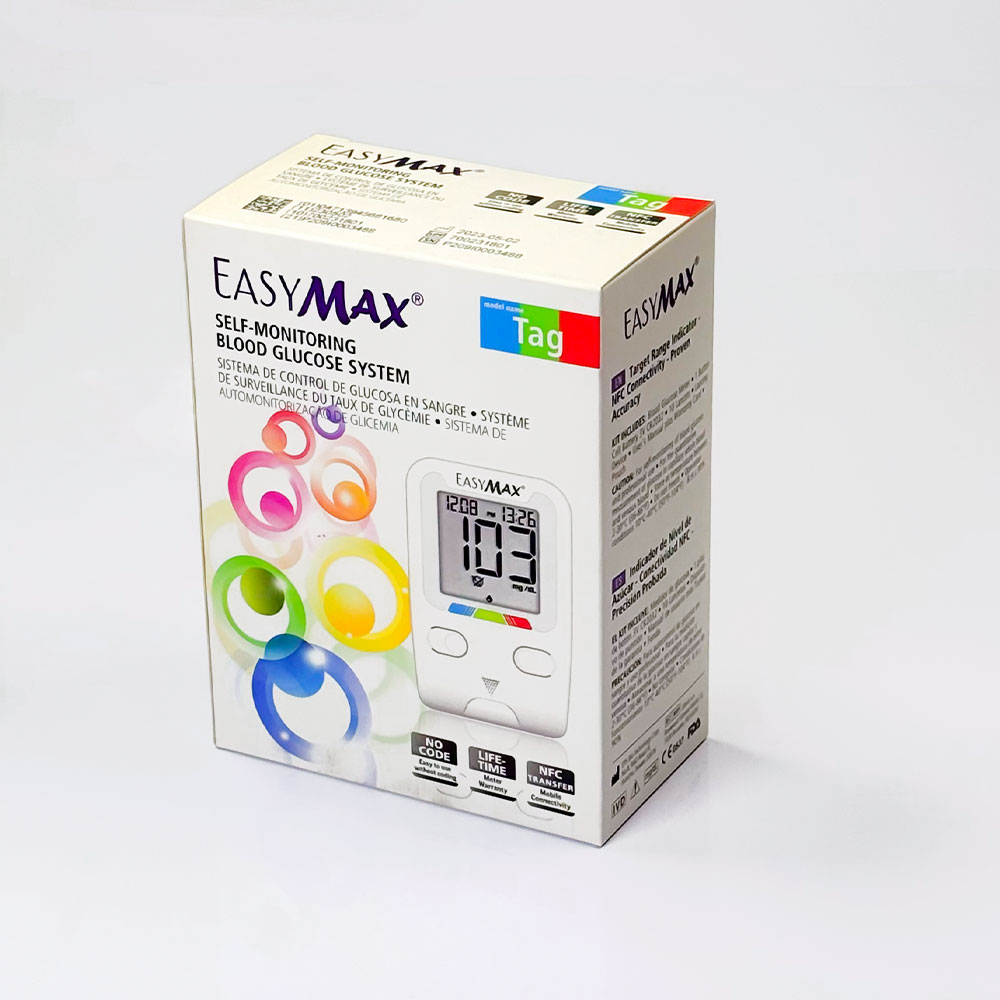
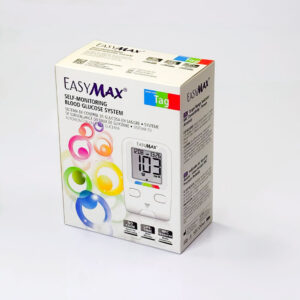
EASYMAX® Tag glucose meter delivers fast and accurate results. The device is able to provide instant clarity of the results in a few seconds with visual reassurance and transfer your test results to the app on your mobile phone through NFC. 2-button navigation to get the required parameters by keeping the procedure at the simplest.
- Intuitive target range indicator provides visual reassurance.
- Only the required parameters, including test results and the user’s average (7/14/30/90 days), are visible on the meter.
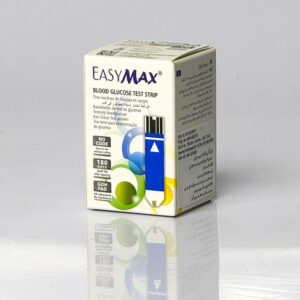
- Test strips pack available in a 50-vial or foil, giving a convenient choice to users considering the therapy or budget.
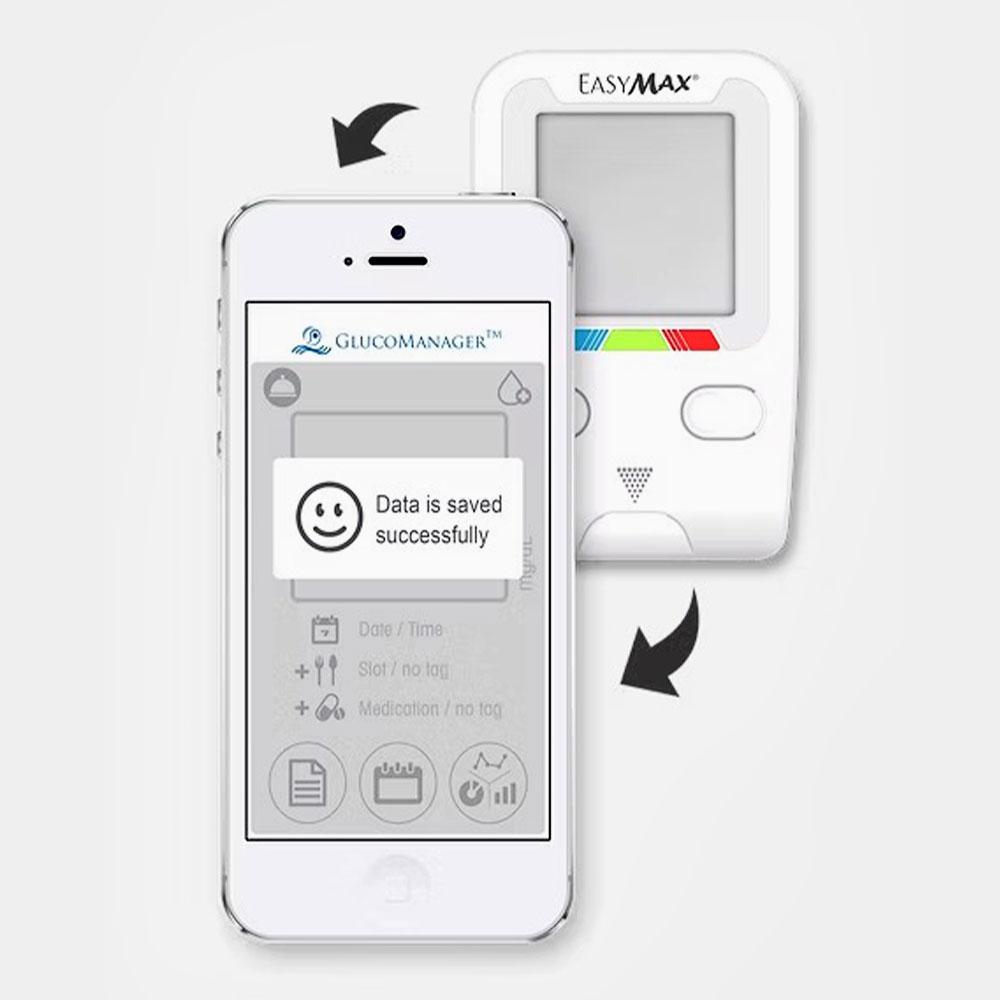
- All data can be uploaded to the GlucoManager app with a single tap to your smartphone, and check your data analysis in time.
Result indications
The ranges mentioned with blue, green, and red bars present on the bottom side of the glucometer indicate the result as follows:
- Blue bar: Indicates that glucose values are below the normal range.
- Green bar: Indicates that glucose values are in the normal range.
- Red bar: Indicates that glucose values are above the normal range.
Basic Usage Guide
- Preparation: Install a CR2032 battery into the meter. Use the device buttons to configure the correct time, date, and your personal high/low range limits.
- Test Strip Insertion: Insert a fresh test strip into the slot in the direction of the arrow. The meter will turn on automatically upon insertion.
- Sample Application: Use a lancing device to draw a fresh capillary whole blood sample from the fingertip, palm, or forearm. Touch the blood drop directly to the collection area at the tip of the test strip.
- Reading & Syncing: The blood glucose level and corresponding color-coded bar will display on the screen. To log the data, open the mobile app and bring your smartphone close to the meter’s buttons for an NFC transfer. Removing the used test strip automatically shuts the meter off.


Reviews
There are no reviews yet